Using Portal
Sign up on the APARA Portal, secure your account, and retrieve the credentials you need to call the APIs.
Create an account and retrieve credentials
To begin using the APARA APIs, sign up on the Portal and then copy your credentials from the dashboard.
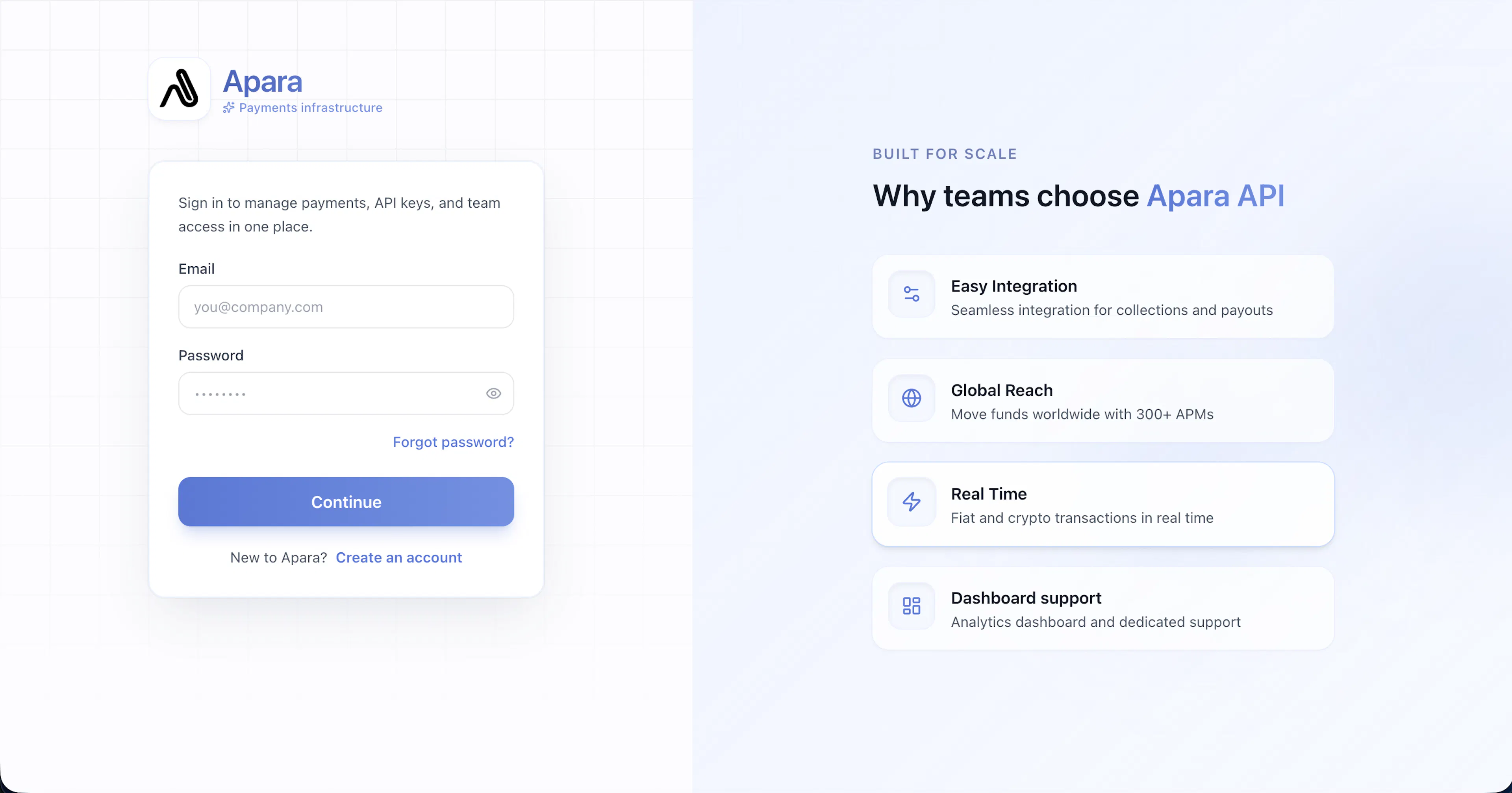
Step 1 – Create an Account
Visit the dashboard and click on Create an Account.
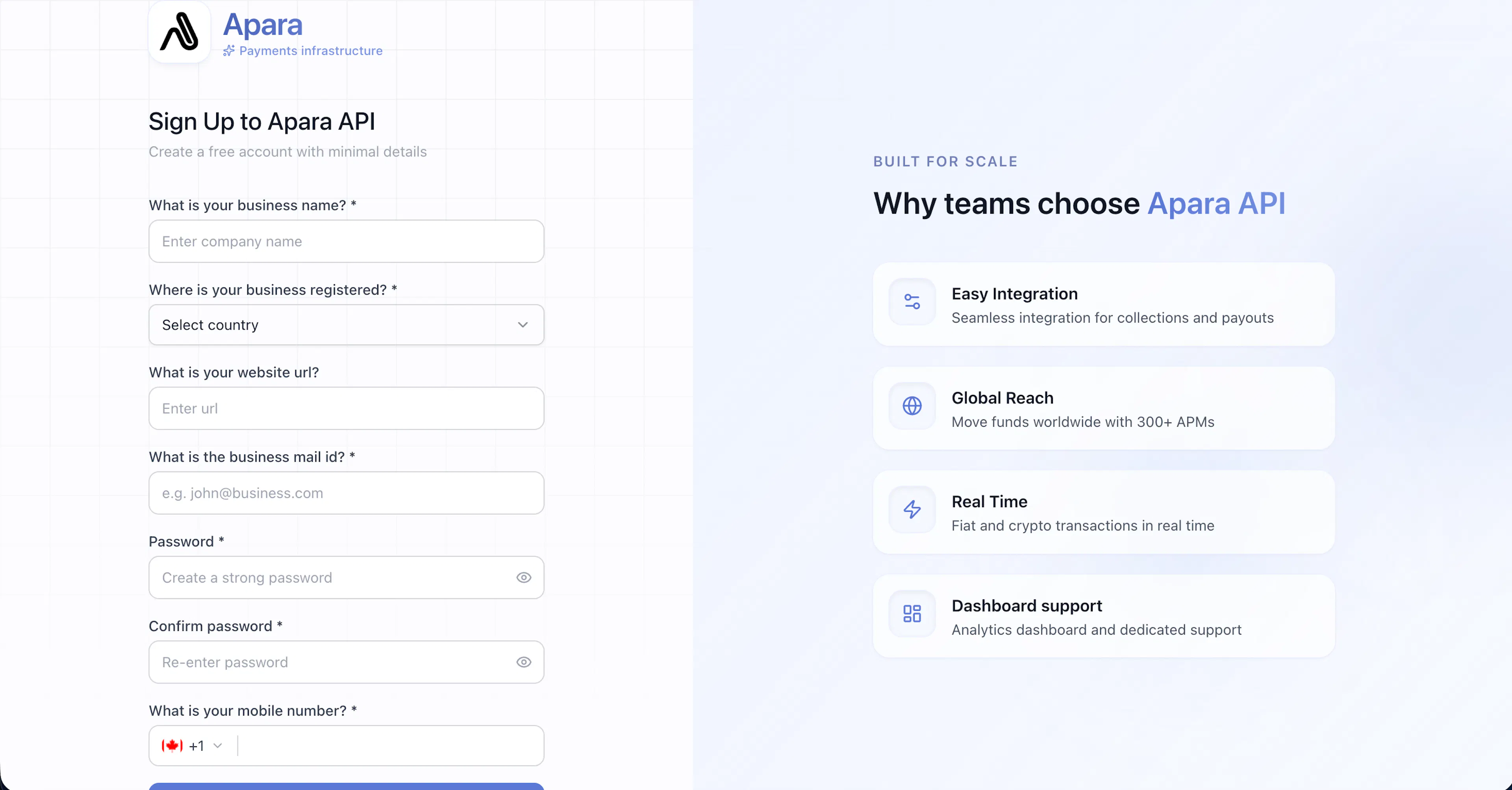
Step 2 – Enter Company Details
Fill in your company details.
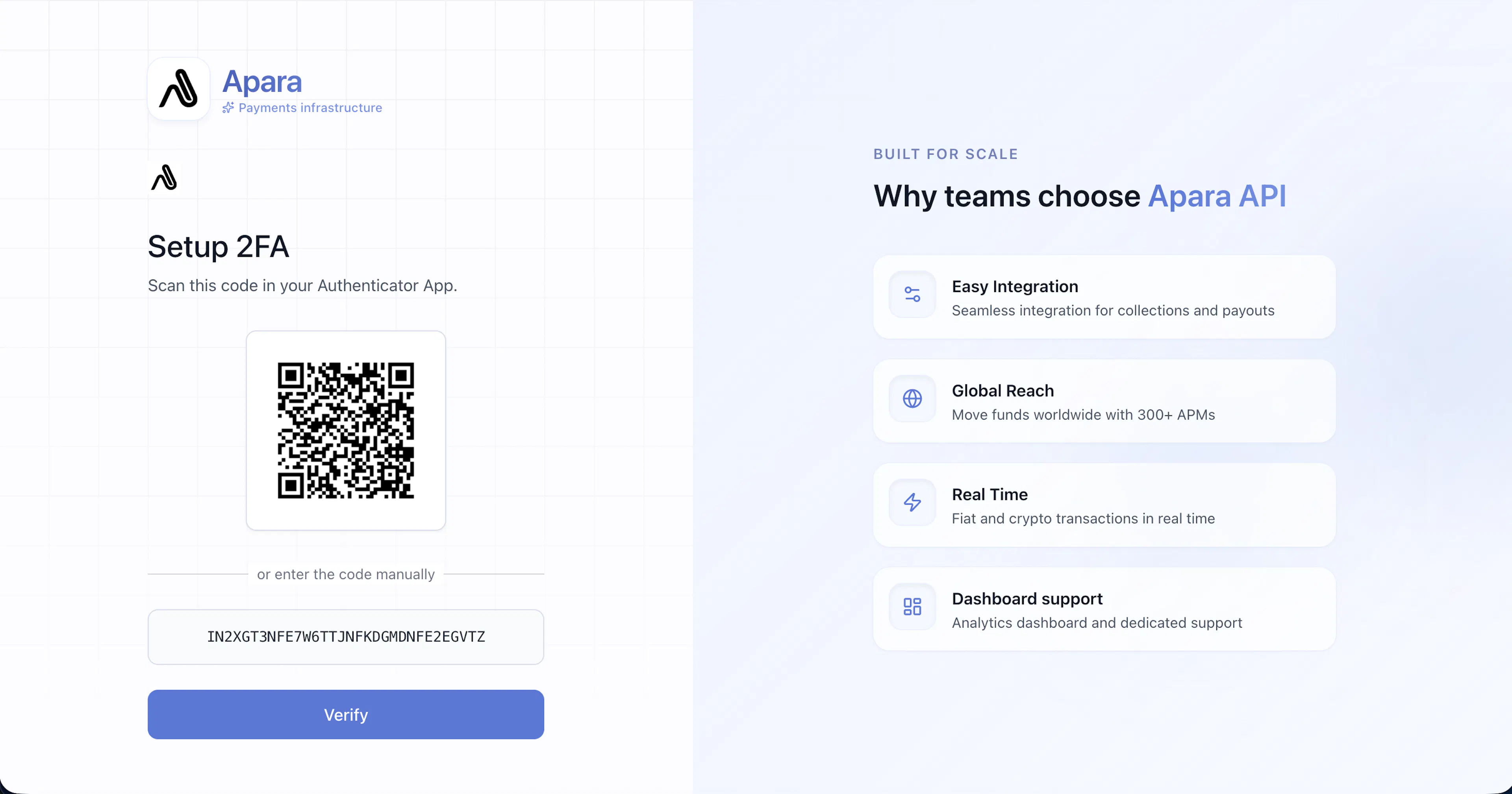
Step 3 – Setup MFA
Use an authenticator app like Google Authenticator.
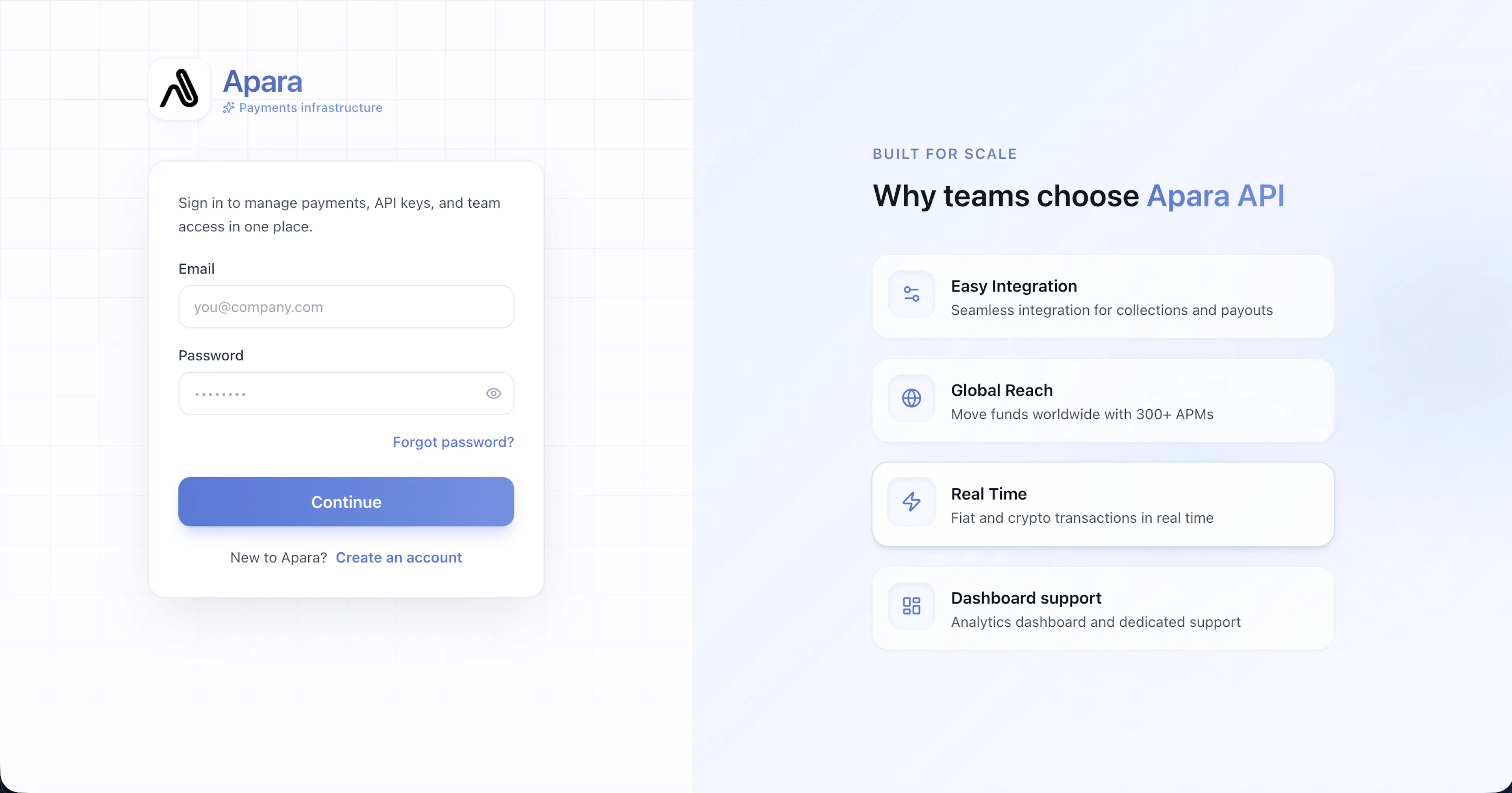
Step 4 – Login
Login using your email and password.
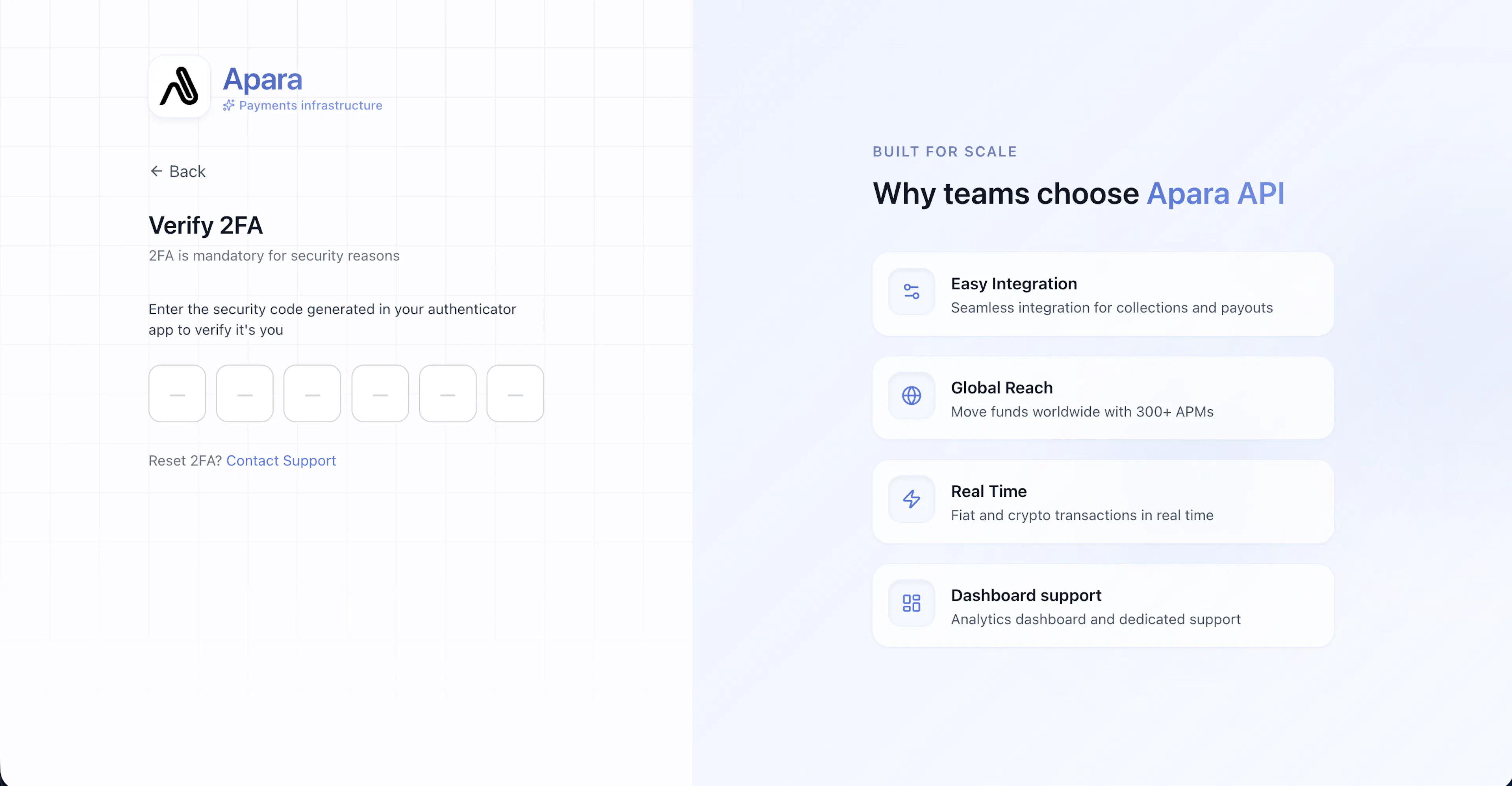
Step 5 – Enter MFA Code
Enter the MFA code.
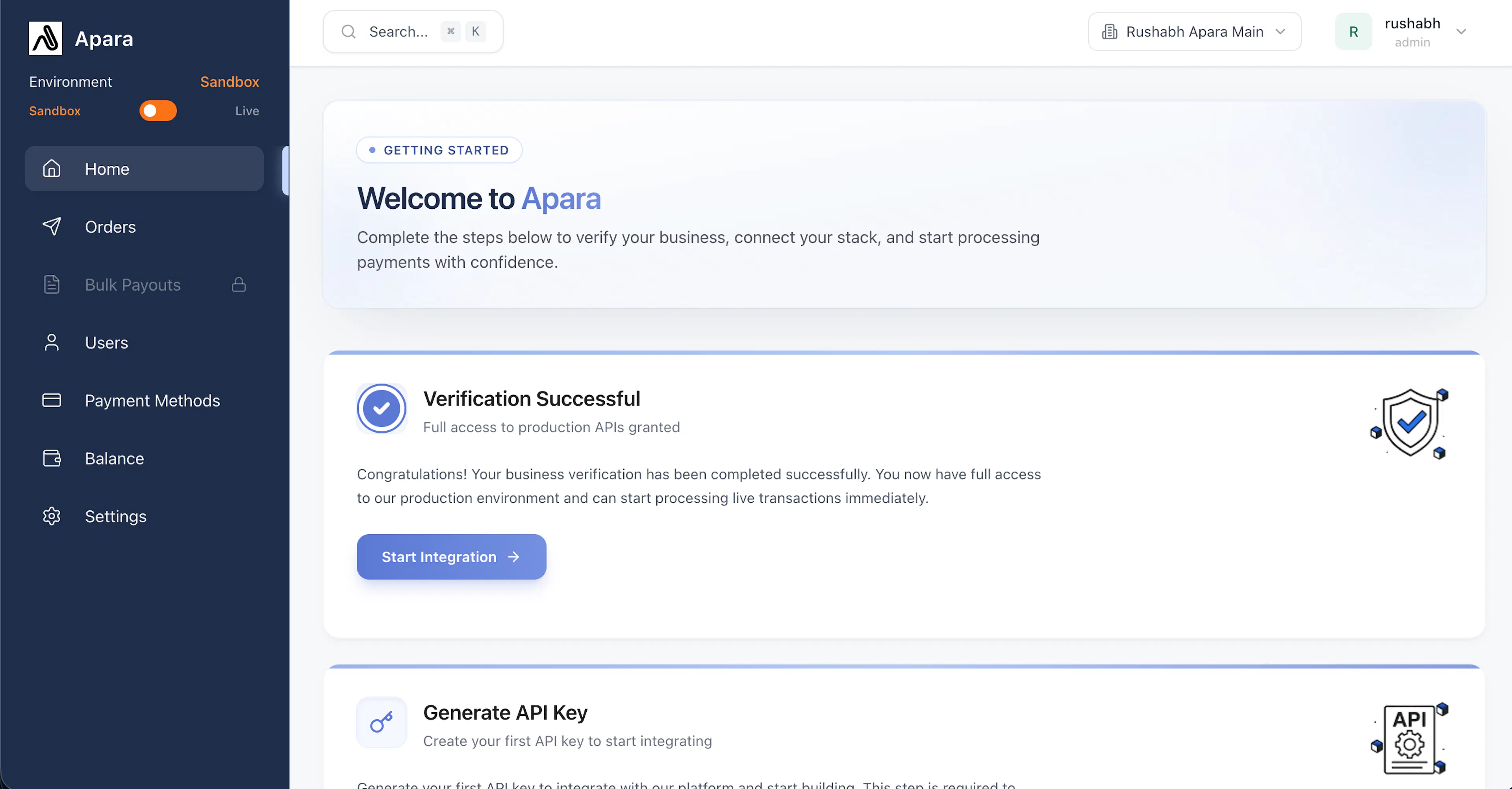
Step 6 – Login Success
You are successfully logged in.
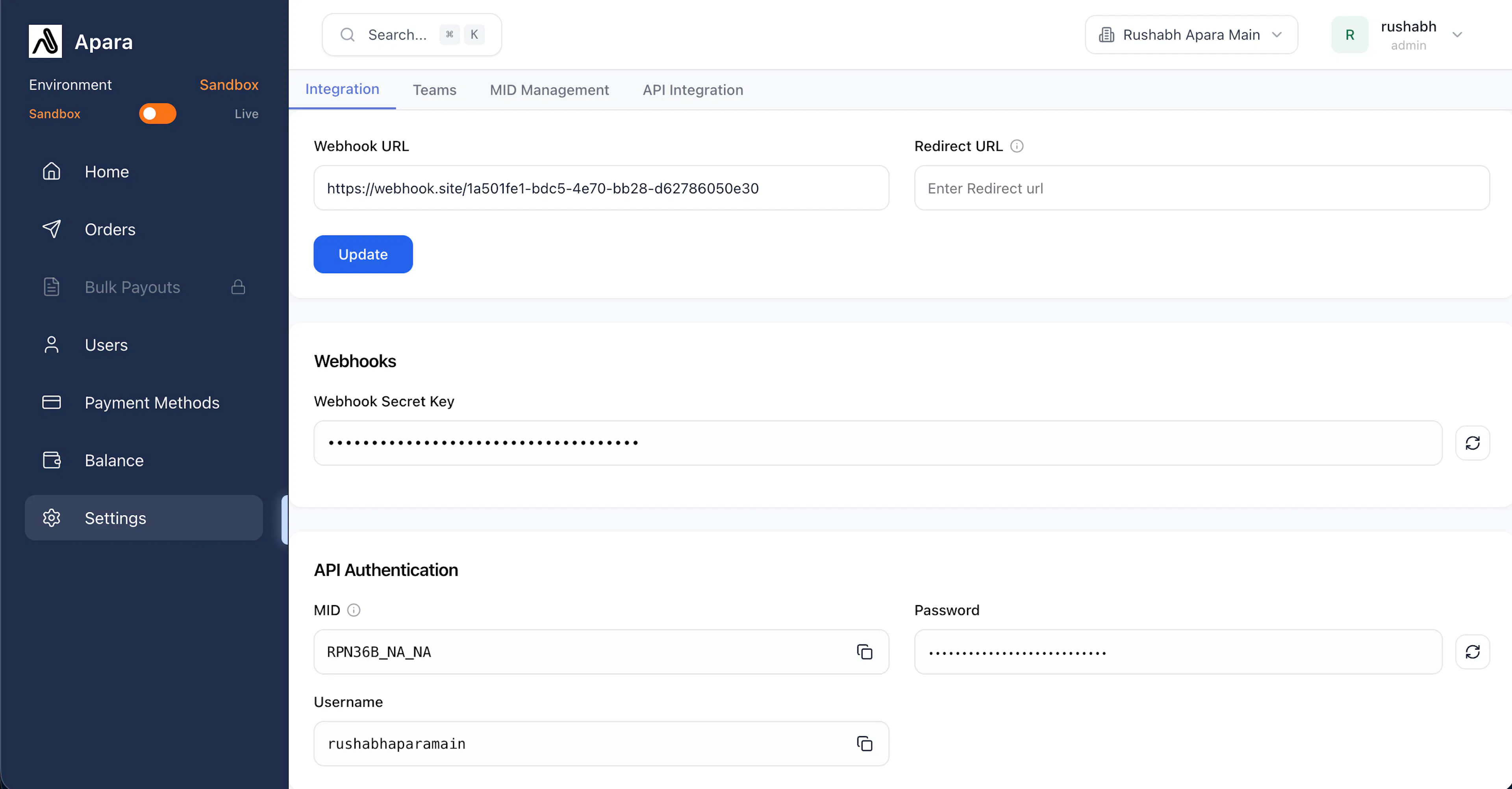
Step 7 – Access Credentials
Go to Settings to find:
- MID
- Username
- Password
Was this page helpful?